FORMS | Clearer Descriptions and Lock Process with Report PDF Settings
Summary:
When changing report PDF settings, the invoice number and prefix only work when the PDF number options are set to "Count" and not "Submitted Form ID." Although this is by design, it allows amendments to PDF options for adding a prefix or setting starting PDF sequential numbering without the "Count" option enabled.
Intended Outcome:
Provide clearer tooltips and override PDF number formatting to "Count" when selected. Alternatively, allow prefixes for non-counted form submissions.
Original Request:
When any reports PDF settings are changed, the invoice number and prefix only work when the PDF number options are set to Count - not submitted form ID. Whist this is by design, this allows people to amend the PDF options to add a prefix or set starting PDF sequential numbering without having the PDF number options set to count. Clearer tool tips - or if selected, overriding the PDF number formatting to 'count'. Or allowing prefixes to be added to non-counted form submissions.
Image 1: When "Submitted Form ID" is selected with a prefix and a number:
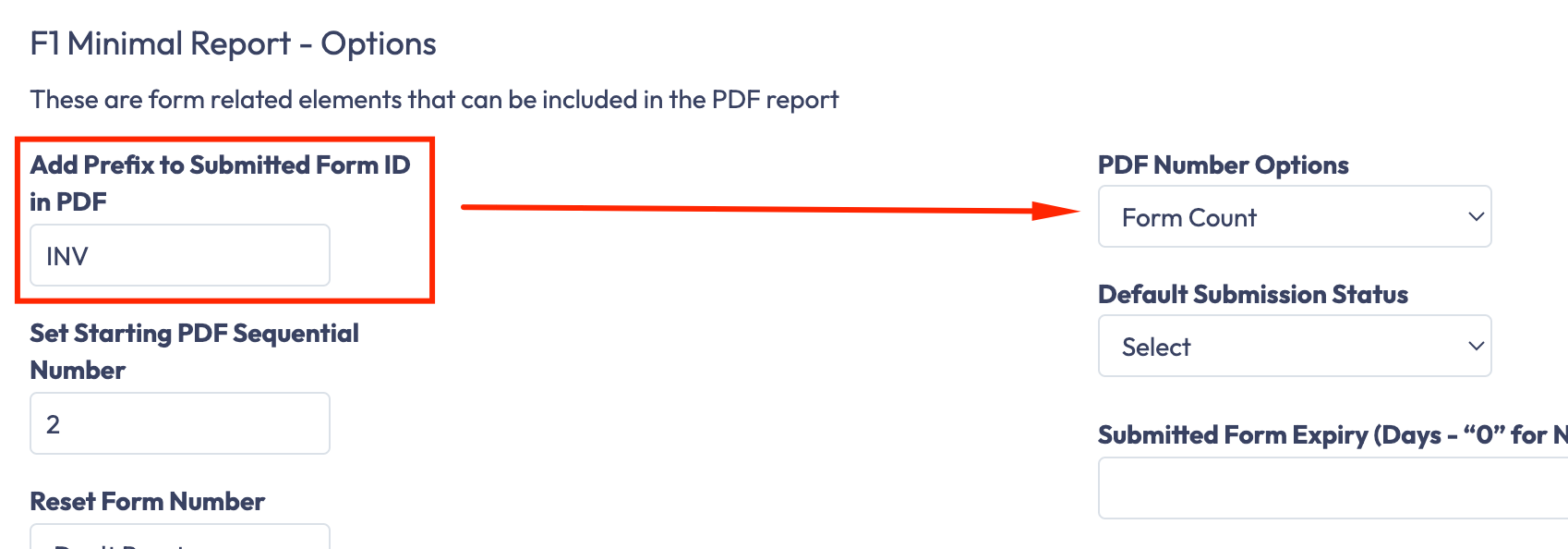
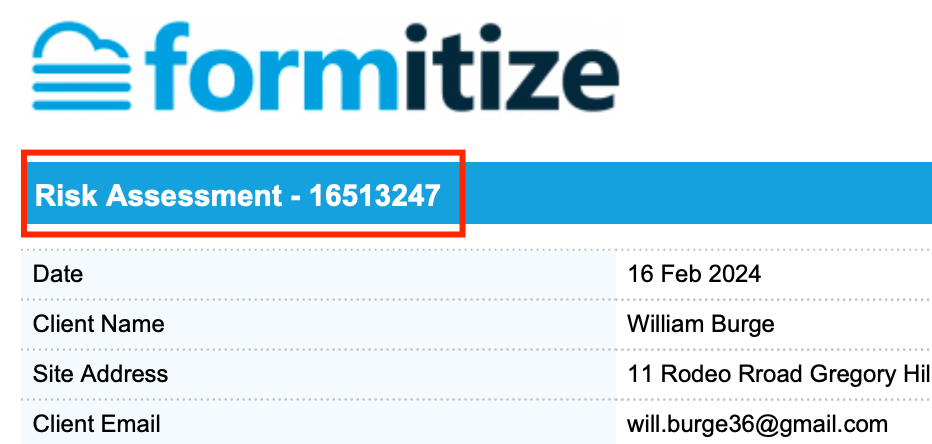
Image 2: When "Form Count" is selected:
Benefits:
Clarity: Enhanced tooltips provide clear guidance on setting PDF options.
Flexibility: Allows for prefixes in both counted and non-counted form submissions.
Consistency: Ensures invoice numbering follows the desired format without confusion.
This update aims to improve user experience and avoid confusion regarding PDF number formatting in report settings.
Status: In Review
Log in to comment and vote
No comments yet
Be the first to share your thoughts.