Update on Site Names for Invoices and Quotes Feature Request
Dear Formitize Community,
We're pleased to announce that we have addressed the request for including a "Site Name" field on invoices and quotes. This enhancement is now available and can be easily implemented through your account settings.
How to Add a Site Name to Invoices:
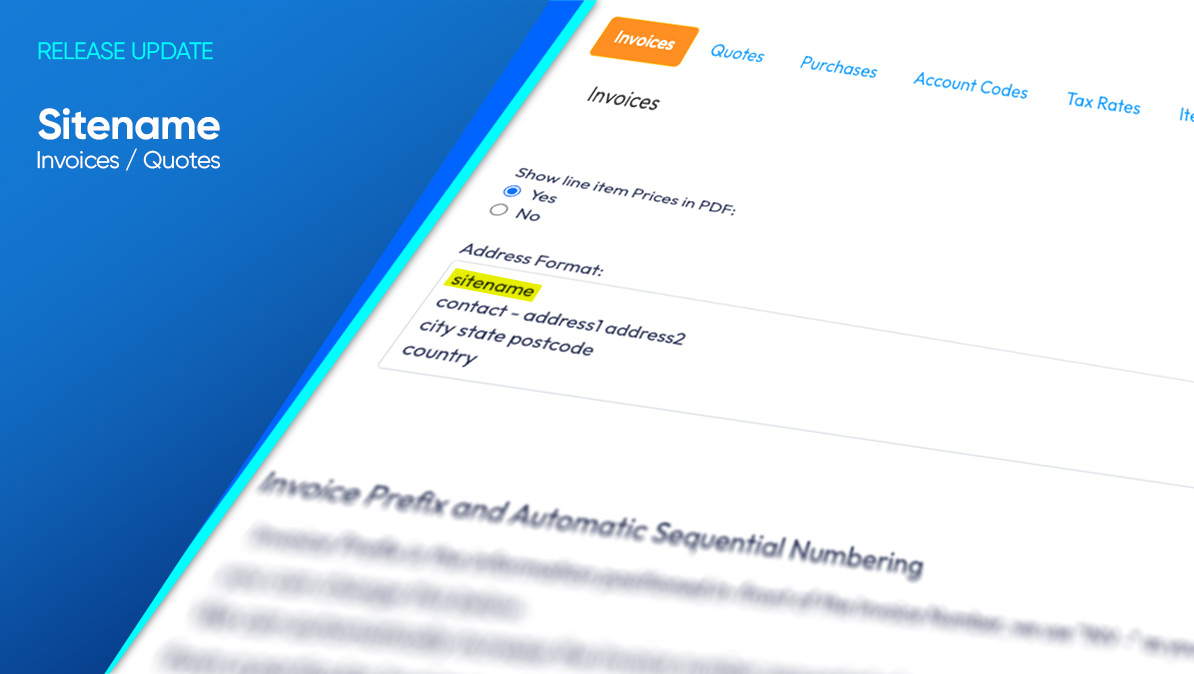
Navigate to the Web Portal > Settings cog > Accounts > Invoices > Address Format.
Ensure that you enter sitename in the address format to include the Client's Site Name on the invoices.
For the Site Name to appear on existing invoices, they will need to be regenerated. You can do this by viewing the PDF of the invoice and selecting "Regenerate."
This update allows for greater clarity and customization of invoices and quotes, especially for businesses managing multiple sites or requiring detailed invoicing information.
We understand the importance of this feature for our users, particularly those operating in regions or sectors where specific identification of service locations is crucial. We hope this enhancement will streamline your invoicing process and improve the overall user experience.
For detailed instructions and more information on utilizing this new feature, please visit our support article.
We appreciate your feedback and are committed to continually improving the Formitize platform to meet your needs. If you have any questions or require further assistance, please don't hesitate to reach out to our support team through the help menu on the App and Web Portal.
Thank you for your valuable suggestions and for being an integral part of the Formitize community.
Warm regards,
The Formitize Team