New Feature Release: QR Code Generation for Web Forms
🎉 Exciting News! We're thrilled to introduce a new feature enhancement for our Webforms.
What's New?
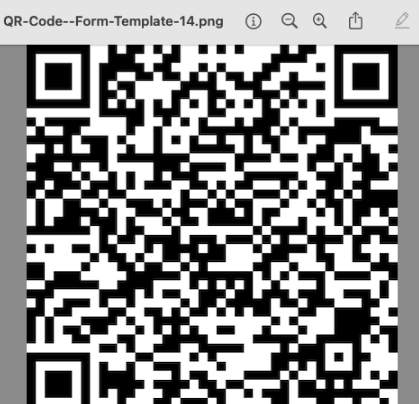
System users can now effortlessly generate a QR Code image for any Webform directly from the portal. This QR Code provides a quick and efficient way for users to access the webform by simply scanning it with a mobile device.
System Requirements:
To experience this feature, Formitize users must have Webforms enabled. If you haven't enabled Webforms yet, you can request it using this link.
How Does It Work?
Navigate to
Forms >> Form Templatesin the Portal.Click on the Form ID of any available form to access its details.
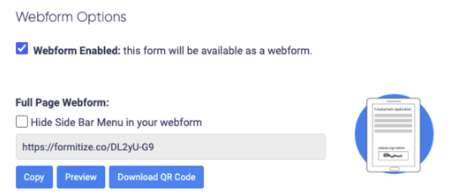
Ensure "Webforms enabled" is checked on the right side of the screen.
Under the "Full Page Webform" section, you'll find a new button to generate and download the QR Code.
Why This Matters?
This feature streamlines the process of sharing web forms, making it more accessible and user-friendly. Whether you're looking to share a form at an event, in a physical store, or anywhere else, the QR Code makes it a breeze!
Feedback?
Your feedback was instrumental in bringing this feature to life. We'd love to hear your thoughts on this update! Share your feedback on our Feature Requests portal board or drop us a message.
Stay tuned for more updates and enhancements. Thank you for being a part of our community!
Release Date: 18 September 2023